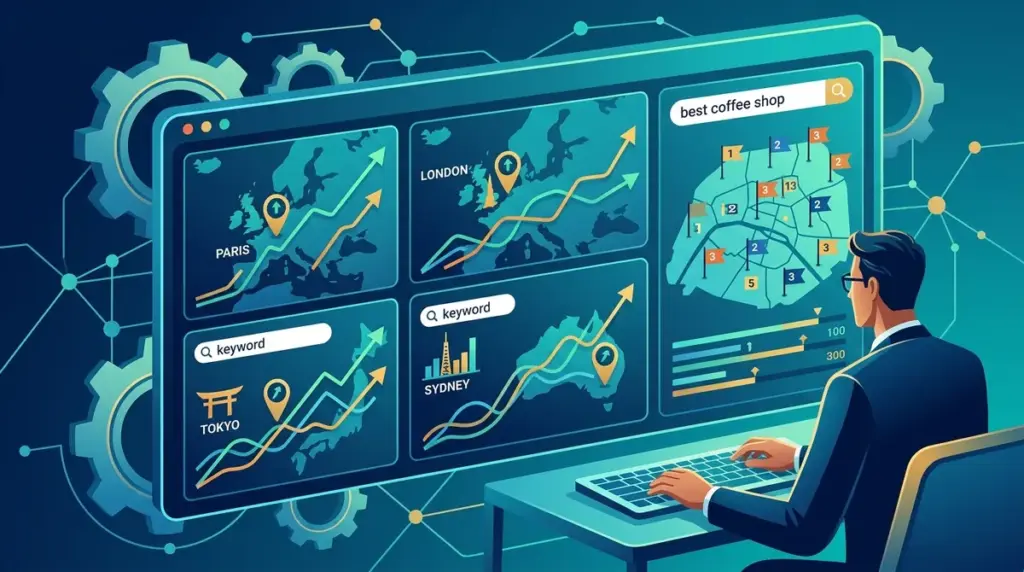
National search volume is a vanity metric for businesses that operate on the ground. If you are managing SEO for a law firm in Chicago, a plumbing franchise across the Midwest, or a dental clinic in London, a global or even country-level ranking report provides zero actionable intelligence. Search engines prioritize proximity, meaning a user in one neighborhood sees an entirely different SERP than a user five miles away. To compete, you must move beyond general tracking and implement city-level rank monitoring that mirrors real-world user behavior.
The Mechanics of Hyper-Local Search Results
Google determines a user's location through a combination of IP addresses, GPS data (on mobile), and search history. This creates a "proximity filter" that dictates which businesses appear in the Local Pack and the organic results below it. When you track rankings by city, you are bypasssing the "neutral" search result to see exactly what a local customer sees. This level of granularity is essential because organic rankings often fluctuate based on the specific municipality or zip code from which the query originates. Understanding this distinction helps when planning national versus local campaigns.
Best for: Multi-location service providers, regional retailers, and agencies managing franchises that need to prove ROI at the branch level.
Configuring Geo-Specific Tracking for Multi-Location Businesses
To get accurate data, you cannot rely on manual searches with "near me" modifiers. You need a ranking tool that allows for specific location overrides. Most standard trackers default to a country-level data center; professional-grade local tracking requires you to specify the exact city, town, or even a specific zip code for every keyword you monitor.
- Define your service areas: Don't just track the city where your office is located. Track the surrounding suburbs where you want to capture market share.
- Track by Zip Code: In dense urban environments like New York or London, city-level tracking is often too broad. Zip or postal code tracking reveals "dead zones" where your competitors are outranking you in specific neighborhoods.
- Mobile vs. Desktop Parity: Local searches are predominantly mobile. Ensure your tracking setup splits these devices, as the "Map Pack" takes up significantly more real estate on a smartphone screen.
Pro Tip: When setting up city-level tracking, always include the "Local Pack" or "Map Pack" in your reporting. A business can rank #1 in the organic results but still be buried below three competitors and an ad in the local map section. If you aren't tracking both, you are missing 60% of the conversion-ready traffic.
Analyzing the Local Pack vs. Organic Blue Links
City-level tracking reveals a dual-layered SERP. The first layer is the Google Business Profile (GBP) results—the Map Pack. The second is the traditional organic list. A successful local strategy requires visibility in both. If your tracking shows you are dominant in organic results but absent from the Map Pack for a specific city, your strategy should shift toward gathering more local reviews and optimizing your GBP categories rather than building more backlinks.
Conversely, if you rank well in the Map Pack but poorly in organic, it suggests your local relevance is high but your website's overall authority is lagging. Tracking by city allows you to diagnose these specific weaknesses per location, rather than applying a one-size-fits-all fix to the entire domain.
Leveraging City Data for Content and Ad Spend
Once you have a month of city-specific data, use it to inform your broader marketing budget. If you see that you rank in the top three for "emergency roofer" in Austin but are on page four for the same term in Round Rock, you have two clear actions. First, increase your Google Ads spend in Round Rock to bridge the visibility gap. Second, create a dedicated landing page optimized for Round Rock-specific landmarks and services to improve your organic standing.
This data-driven approach prevents wasted spend. Instead of bidding on expensive keywords across an entire state, you can surgically apply your budget to the cities where your organic presence is weakest.
Executing a Local Tracking Audit
To begin refining your local presence, follow these steps to audit your current visibility:
1. Identify High-Value Keywords: Focus on "intent-to-buy" phrases like [service] + [city] or [product] + [near me].
2. Set Location Parameters: Input the exact cities or zip codes into your rank tracker. Do not settle for "United States" or "United Kingdom" settings.
3. Monitor Competitor Movement: Local SERPs are volatile. Track the top three local competitors in each city to see if they are gaining ground through aggressive review campaigns or new location pages.
4. Review Monthly Trends: Look for patterns. If rankings drop across all keywords in a single city, it likely indicates a local algorithm update or a change in how Google interprets proximity in that region. This granular approach is key, so consider how you are tracking rankings across multiple locations.
Frequently Asked Questions
Does tracking by city cost more than national tracking?
Most professional tools charge based on the number of "keyword-location combinations." If you track "plumber" in five different cities, it counts as five separate tracking points. While it increases the cost, the data is significantly more accurate for local businesses.
Why do my rankings look different on my phone than in the tracker?
Personalization and "search bubbles" play a role. Your phone uses your specific GPS coordinates and search history. A rank tracker uses a clean-browser environment and a fixed location proxy to provide an objective view of the SERP without personal bias.
How often should I refresh local ranking data?
For most service-based businesses, daily or weekly updates are sufficient. However, during a website migration or a major local SEO campaign, daily tracking is necessary to catch fluctuations caused by Google's indexing of new location pages.
Is zip code tracking better than city tracking?
Zip code tracking is superior for businesses in high-competition industries like personal injury law or locksmithing, where proximity is the primary ranking factor. For broader services, city-level tracking is usually enough to inform a solid strategy.